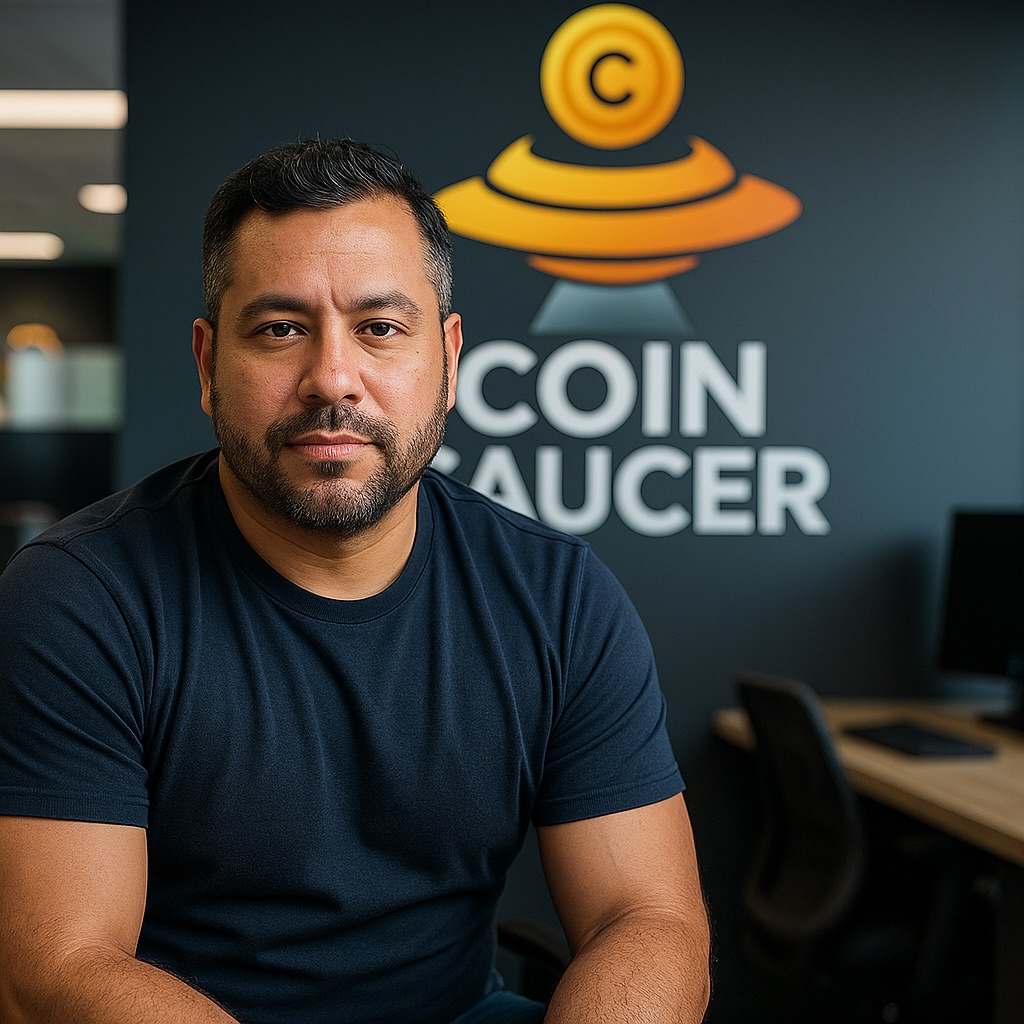
I’m Marcus “M.J.” Varela, a cybersecurity specialist and DeFi strategist. My rule of thumb in Crypto security & Wallets is simple: trust but verify. The cloud makes phones convenient to replace and apps easy to restore-but it can also silently collect the very secrets that control your funds. If your seed phrase or wallet vault is swept into iCloud or Google Drive and your account is phished, you’ve handed attackers a shortcut. Let’s break down what’s actually leaking, how those leaks happen, and how to lock down iOS and Android without turning your life into a usability nightmare.
Quick summary
- Cloud backups can capture wallet data, screenshots, or notes containing seed phrases.
- Account takeovers (Apple ID/Google) often precede crypto theft-secure those first.
- Turn off cloud backup for wallet apps, avoid seed photos, and test recovery offline.
- For higher-stakes setups, consider multisig or Shamir splits with hardware diversity.
- Security is a system of habits and design choices, not a single device or setting.
What’s really “leaking” into the cloud
When people hear “backup sync leaks,” they imagine raw seed phrases floating around online. The reality is quieter and more mundane:
- App data backups: Many wallets store an encrypted vault or key store locally. If device backups are on, those files may be copied to iCloud or Google Drive. If an attacker phishes your Apple ID or Google account, they can restore that backup and attempt to crack weak passwords.
- Photos and notes: Screenshots, camera photos of seed phrases, or notes apps (“just for a minute”) are frequently synced. One careless image often undoes an otherwise careful setup.
- Third-party keyboards and clipboards: Keyboards with “full access” or cloud syncing, and clipboard-sharing features, can expose phrases typed or pasted during wallet setup.
- Device migrations: Automatic phone-to-phone transfers can carry over wallet data and cached files you thought were local-only.
We’ve already seen cases where a wallet’s encrypted vault was swept into a cloud backup and then stolen after an Apple ID compromise. That incident wasn’t magic-it was a common chain: phishing + weak account controls + unattended backups = drained funds. The lesson for Crypto security & Wallets is clear: secure the cloud account and control what gets backed up.
Threat model in plain English
Most thefts don’t require breaking your wallet’s cryptography. Attackers do the following:
- Phish or SIM swap to take over your Apple ID or Google account.
- Restore your cloud backup to a new device or download synced files.
- Find your wallet vault, screenshots, or notes with the seed phrase.
- Exploit weak passwords or security questions to finish the job.
That’s why your first line of defense isn’t a hardware wallet setting-it’s your identity and backup surface.
Lock down iOS without losing your mind
On iPhones, you can significantly reduce cloud exposure with a handful of changes:
- Enable Advanced Data Protection (ADP): In iCloud settings, turn on ADP to end‑to‑end encrypt your iCloud backups and more categories. It won’t fix screenshots in Photos, but it hardens the backup target against server-side access.
- Audit iCloud Backup per app: Settings → Apple ID → iCloud → iCloud Backup → Manage Storage. Turn off backup for wallet apps entirely. Confirm after updates.
- Never store seeds in Notes or Photos: Don’t take pictures of seed phrases. If you already did, delete from Photos and “Recently Deleted.” Verify Photos sync is off before handling seeds. Avoid cloud notes for secrets.
- Secure your Apple ID like a vault: Use a long, unique password and hardware security keys for two-factor. Remove SMS as a fallback. Review trusted devices regularly.
- Minimize keyboard/clipboard risk: Remove third‑party keyboards with “full access” during wallet setup. Avoid pasting seeds at all.
- Harden the device: Strong passcode, Face ID/Touch ID on, auto-erase after 10 failures (if your threat model allows), and consider Lockdown Mode if you’re high-risk.
Lock down Android the right way
Android varies by vendor, but core practices remain consistent:
- Secure your Google account first: Use a long, unique password and enroll in Advanced Protection with hardware keys. Remove SMS recovery. Review app passwords and connected devices.
- Control “Backup by Google One”: Settings → Google → Backup. Review app data backups and disable for wallet apps. Turn off automatic restore during wallet setup.
- Stop accidental seed syncing: Turn off Google Photos backup before handling seeds. Consider Pixel’s “Locked Folder” for temporary storage (it’s local-only), but don’t rely on it long-term for seed phrases.
- Limit accessibility and sideloading: Disable accessibility access for apps that don’t require it. Keep Play Protect on. Avoid installing apps from unknown sources, especially keyboards and clipboards.
- Device hygiene: Use a strong screen lock, keep firmware updated, and disable USB debugging unless needed.
Wallet hygiene that actually prevents loss
Devices change, but fundamentals don’t. In Crypto security & Wallets, the most reliable defenses are habit-based:
- Generate keys offline on a hardware wallet: Create the seed phrase on-device. Never type it into a phone or computer unless you’re restoring on the hardware wallet itself.
- No photos, no screenshots, no cloud notes: Use paper or, better, a steel backup plate stored securely. Treat the seed like an unchangeable master key.
- Consider a BIP39 passphrase: An optional extra word that creates a different wallet from the same seed. It protects against seed exposure but adds recovery complexity-do not forget it.
- Verify on-device: Always confirm receiving addresses and transaction details on the hardware wallet screen. Avoid blind signing.
- Buy direct, initialize yourself: Avoid pre-initialized or tampered devices. Verify firmware authenticity.
Backups and recovery that won’t bite you later
Backups are where people either overcomplicate or cut corners. Aim for resilient and testable:
- Simple and strong: Two steel backups of your seed in separate secure locations. If you add a BIP39 passphrase, back that up separately with equal care.
- Shamir backups (SLIP‑0039): Split a seed into multiple shares (e.g., 2‑of‑3). This reduces single‑site risk but requires careful labeling and safe distribution. Test recovery before relying on it.
- Multisig for higher stakes: A 2‑of‑3 setup across different hardware vendors reduces single-device failure and phishing risk. It’s more complex-document your descriptors and practice recovery.
- Password managers, cautiously: If you must store a seed digitally, a reputable, end‑to‑end encrypted password manager with a long master password and hardware‑key protection is safer than cloud notes-but still a single point of failure. Understand the trade‑offs.
- Recovery fire drills: Practice restoring from your backups on an air‑gapped or spare device with a tiny amount of funds. Confirm the derived addresses match what you expect. This is the difference between theoretical and real safety.
MPC wallets and cloud “shards”
Some wallets use multi‑party computation (MPC) to split control between your device and a service, often storing a shard in iCloud or Google Drive. The pitch: no single seed to steal. The reality: you’ve shifted risk to account takeover and service availability. If you choose MPC:
- Secure your cloud accounts with hardware keys and remove SMS fallback.
- Understand recovery: what happens if you lose the device and the email? Who can reset access?
- Set transaction policies if available (limits, whitelists) and verify on-device prompts carefully.
How attacks typically happen, step by step
- You get a fake “Apple/Google” alert asking to verify your account.
- You enter credentials or an SMS code on a phishing page.
- Attacker logs in, resets your password, and restores your iCloud/Drive backup.
- They find wallet data or seed screenshots, and if needed, brute-force a weak wallet password.
- Funds move through mixers or exchanges before you notice.
Prevention beats forensics. Make the account takeover and backup restoration path as painful as possible for an attacker.
Immediate checklist: lock it down in 15 minutes
- Change Apple ID and Google passwords to long, unique passphrases.
- Add hardware security keys; remove SMS recovery.
- Disable cloud backups for wallet apps; review what’s already in iCloud/Drive.
- Delete any seed photos/screenshots from Photos and “Recently Deleted.”
- Remove third‑party keyboards with full access.
- Write your seed on paper or steel; store separately. No cameras.
- Schedule a recovery fire drill this week with a small test balance.
Why this matters
Private keys aren’t just numbers; they’re the authority to move your assets. The seed phrase is the human-readable backup of those keys. If the seed lands in a cloud account and that account is compromised, control of your funds can change hands in minutes. Good Crypto security & Wallets hygiene is about reducing the chance of that single, irreversible mistake-by tightening your cloud accounts, controlling backups, and practicing recovery before you need it.
You don’t need to master every advanced tool today. Start with one improvement-disable wallet backups to the cloud-and build from there. The goal isn’t perfection; it’s resilience.
Final thought: Convenience is an attack surface. Choose it deliberately, verify it regularly, and make sure your future self can recover without help from anyone else.